The whole edit.
Built inside Resolve.
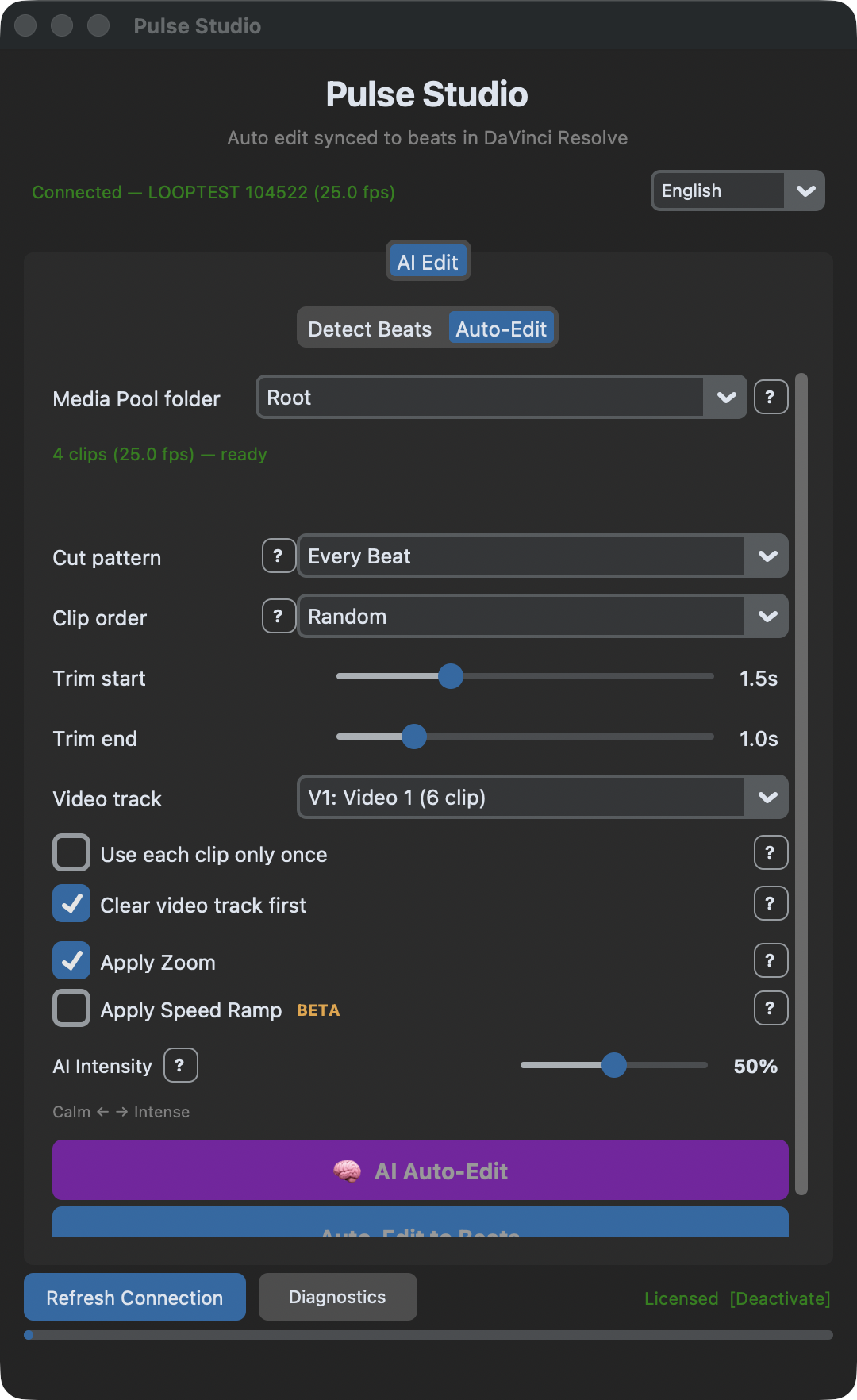
Pulse Studio drives DaVinci Resolve Studio through the scripting API: it detects the beats of your song, cuts your clips frame-exact onto them, and animates zooms and speed ramps with Optical Flow — right on your timeline. No export. No import.
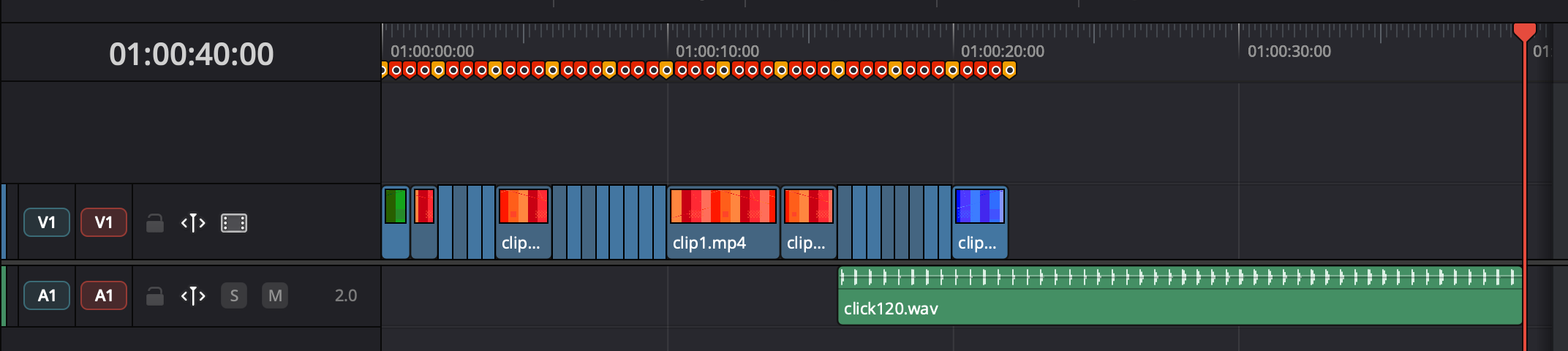
Your timeline, edited for you
Point it at your song
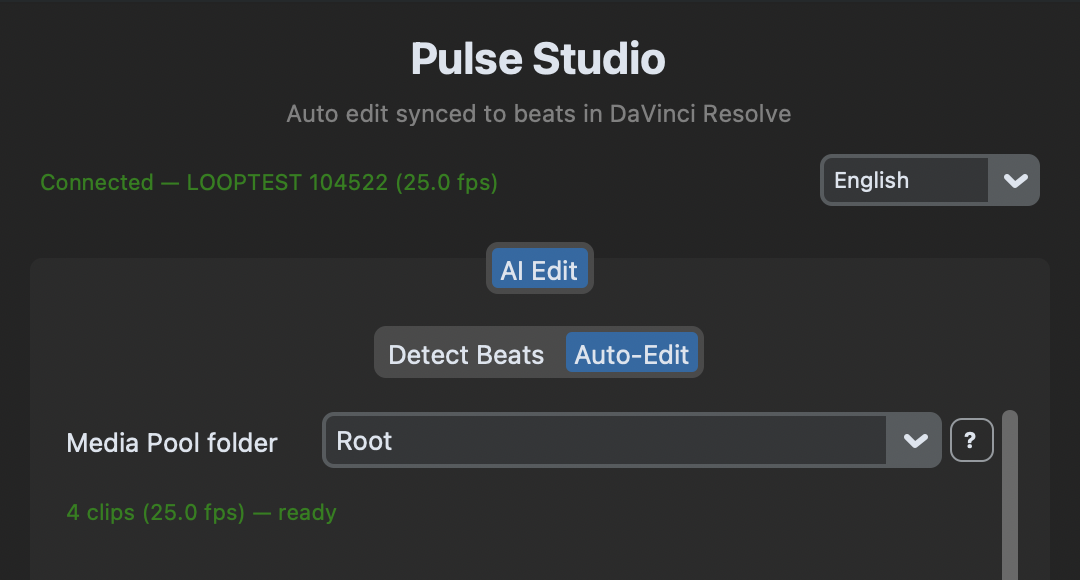
Pick an audio track of the timeline, choose a song from your Media Pool (Pulse Studio inserts it for you), or import a file. Hit Detect Beats: AI beat detection maps every beat, bar and subdivision, and places the markers — on the timeline or on the audio clip itself.
Choose clips & rhythm
Use a curated Media Pool folder, or ★ Master to pull every clip you have — subfolders included. Order them sequentially, at random, or chronologically by shooting time (built for weddings). Pick a cut pattern, or let AI mood read the song and decide.
Generate — with motion
Clips land frame-exact on the beats, directly in your Resolve timeline. Animated punch-ins and speed ramps — slow-motion dives, speed-up whips — are eased, beat-aware, and rendered with Optical Flow retiming (Speed Warp on extreme slow-mo).
Built like an editor works
AI beat detection
A neural beat tracker (not just onsets) maps beats, bars and subdivisions — with time signature and sensitivity control.
Media Pool native
No files to drag around: pick a bin — or ★ Master for every clip you have — and choose the song straight from the pool.
Frame-exact cuts
Every junction lands exactly on the beat. Pulse Studio reads real positions back from Resolve and compensates any drift.
Speed ramps BETA
Slow-motion dives, speed-up whips, fast→slow combos — real animated retime curves, with Optical Flow enabled automatically.
AI mood & intensity
The song's mood picks the cut pattern and effect style; one slider scales it from calm to intense.
Weddings, in order
Chronological mode reads each clip's shooting time and lays the day out as it happened — sampled evenly across the whole shoot.
Same beat. Two ways in.
On DaVinci Resolve Free? Pulse Edit builds the same beat-synced edit via OTIO — included in the same license.
One license. The whole suite.
Pulse Studio is not a separate purchase: the Pulse license unlocks Pulse Edit, Pulse Studio and Pulse Color with one key.
14-day money-back guarantee. If it doesn't work on your DaVinci Resolve Studio setup, we fix it or refund you — no questions asked.
- Pulse Studio — auto-edit inside DR Studio
- Pulse Edit — OTIO auto-edit for DR Free
- Pulse Color — film looks & filter FX
- macOS & Windows · cancel any time
Pay €130 for the year and get two months free.
Before you buy
No — it drives Resolve through the scripting API, which only DaVinci Resolve Studio exposes. On Resolve Free, use Pulse Edit from the same suite: same beat-synced edit, via OTIO, same license.
Two things: DaVinci Resolve Studio running with a project open, and Preferences → System → General → "External scripting using" set to Local. Pulse Studio connects automatically and its Diagnostics button tells you exactly what's wrong if it can't.
Yes — each ramp is an animated retime curve applied to the clip's Fusion composition, with Optical Flow enabled automatically (Speed Warp on extreme slow motion). The whole Pulse Studio workflow is currently in beta testing: review the result, and if anything looks off write to support@pulseedit.com — we read everything.
No. One Pulse license — €13/month or €130/year — unlocks Pulse Edit, Pulse Studio and Pulse Color with the same key, on macOS and Windows.
macOS: Apple Silicon (M1 or later), macOS 12+, signed and notarized. Windows 10/11 (64-bit). DaVinci Resolve Studio 18.5 or later.